

What the architecture delivers
- Start with the sales questions your team asks every month.
- Compare the same periods and use consistent definitions.
- Identify which products or customers explain the change.
- Let people inspect the records behind an answer and ask a follow-up question.
Sales are up, but the total alone does not explain why. One product line may account for most of the increase. Another may be losing repeat customers. The useful question is what changed underneath the number, and whether your team should act on it.
Your accounting records already contain much of that story. A useful intelligence application connects invoices, products and customer activity so you can compare periods and explore the detail. The same approach can extend to other business software as your questions grow.
A reusable intelligence layer built for faster delivery
AutoCount holds accounting, billing, inventory and operational data that managers can use every day. NexLink supports AutoCount environments through the authorised route available in each setup, such as an API, reporting interface or controlled read-only database account.
The intelligence layer handles synchronisation, business definitions, dashboards, permissions, guarded questions, audit logs and deployment controls. Reusing these foundations reduces setup time while keeping the client's accounting rules at the centre of every metric.
The read-only data path
In NexLink's AutoCount implementation, a scheduled service connects with a dedicated read-only SQL account. It selects only the tables and fields required for the agreed dashboards, then writes those records into a separate PostgreSQL analytics database.
AutoCount sees SELECT operations from one named account. The application does not hold AutoCount credentials. The AI model never receives the AutoCount connection string and cannot execute a query against the source.
From existing records to useful intelligence.
Ask what changed, understand why and decide what to look at next.
Your existing records
| Category | 2025 | 2026 |
|---|---|---|
| Equipment | 400 | 480 |
| Services | 360 | 360 |
| Supplies | 240 | 240 |
| Total | 1,000 | 1,080 |
Business software, spreadsheets and operational information.
The intelligence application
Connect the information, compare periods and find what explains the change.
RM1.00m → RM1.08m
At RM480,000, equipment sales rose 20% from last year. That RM80,000 increase explains the entire rise in total sales. Services and supplies were flat.
Check which equipment customers grew, then explore whether they also need services or supplies.
How the information moves
Existing system
ERP, accounting, CRM or another database.
Normal operations continue.A dedicated account reads the selected records on a schedule.
Intelligence application
- Analytics copy
The selected datasets, with the last working copy retained.
- Business definitions
Verified views give measures clear names and meanings.
- Query service
Data access, query limits, timeouts and an activity log.
Answers & reports
Dashboards, reports and natural-language questions.
Cloud or local model.The model receives the query results. It does not connect to or write to the production system.
Raw, semantic and application data have different jobs
The analytics database separates three concerns. A raw area stores the approved copied fields close to their source form. A semantic area contains versioned views with names and rules that people can understand. An application area stores user sessions, dashboard settings and chat history.
The model's read-only account can see the semantic area only. It cannot browse raw source tables or application records. This makes its available universe small enough to explain, test and audit.
Why the semantic layer matters more than the model
An accounting schema is not a management vocabulary. A question such as “What were net sales last month?” may need invoice status, document type, credit notes, date selection and tax treatment to line up with an official report. A large language model cannot infer those rules reliably from table names.
We encode each business area as a tested view. Typical candidates include sales invoices, sales lines, customers, products, stock balances and debtor ageing. Each view documents its source and is reconciled against a trusted AutoCount report. A view that does not reconcile does not reach the dashboard or the AI tools.
This also prevents metric drift. The sales dashboard and the chat assistant ask the same semantic view, so “net sales” does not mean one thing in a chart and another in a written answer.

What belongs on the dashboard
Recurring business questions should use predefined queries. They are faster, deterministic and easier to reconcile than model-generated SQL. A useful first release can cover:
- Sales trend by period, branch, salesperson, customer or product group.
- Top and declining customers or products, with the filters visible.
- Stock on hand, slow movement and days-of-cover indicators where the required source fields are verified.
- Debtor ageing and collection priorities tied to the client's existing report logic.
- Data freshness, so users know the timestamp of the last successful synchronisation.
The interface should let a manager move from a summary to the supporting rows. A chart without traceability creates a second spreadsheet problem: attractive numbers that still need someone to prove them.
Where AI adds value
The AI layer handles irregular questions and interpretation. A user might ask why a category declined, request a comparison between customer groups or ask for a concise summary of outstanding risks. The application selects a curated query or passes a guarded read statement to the semantic schema, then gives the model a bounded result to explain.
The guard enforces one read statement, an allowlisted schema, a row limit and a timeout. Answers record the view and filters used. User roles determine which business areas are available. These controls are enforced by the application and database rather than left to a prompt.
The model explains approved results. It does not explore the accounting database.
This makes a natural-language interface useful without pretending that a prompt is a security boundary.
Cloud inference or AutoCount Private AI
With approved cloud inference, the production database is still isolated, but selected schema context and query results may be sent to the model provider for that request. The client should approve the data classes, provider terms, retention settings and user scope.
For stricter data-residency requirements, the same application can use NexLink Private AI. The model runs inside the client's environment, so prompts, approved data and answers stay local. A fully offline deployment also keeps authentication, fonts, monitoring, licence checks and updates independent of the internet.
The same application. A choice of where AI runs.
Source access and the intelligence application remain separate from the model.
 OpenAI
 Claude
 Gemini
 DeepSeek
 Qwen
QwenCloud
Use a model hosted by an external provider.
Cloud provider examples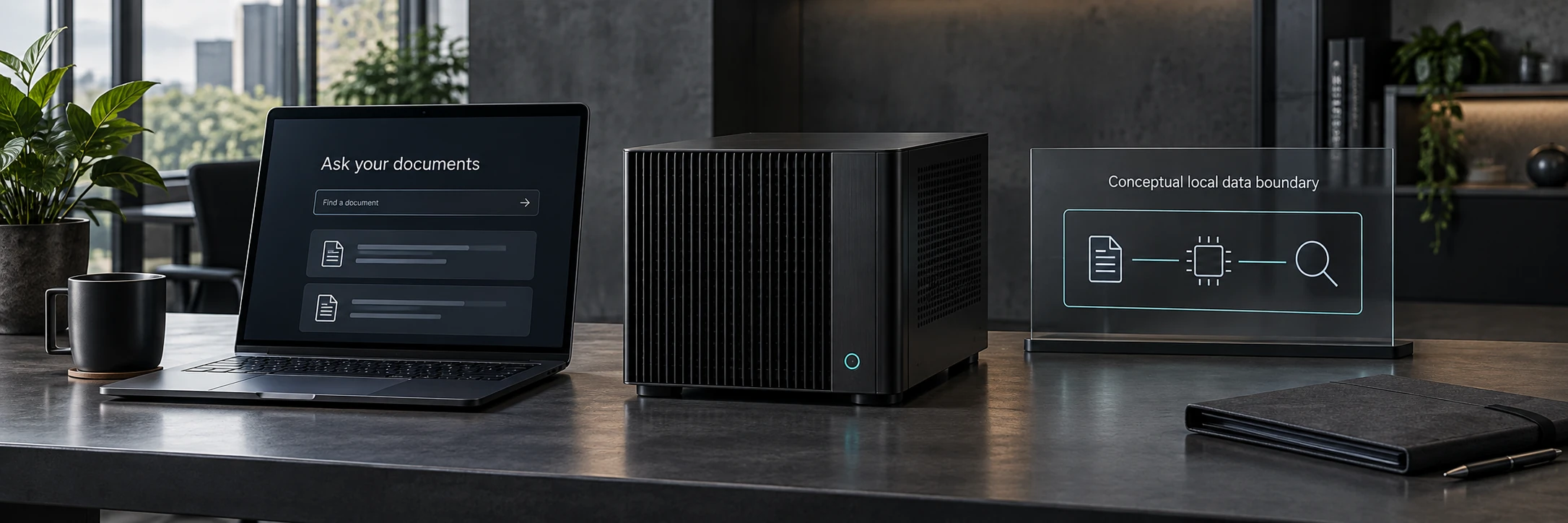
Private AI
Run a locally deployable model in your own environment.
On-site or dedicated hostingWhat changes between cloud and private
Read-only source access, an analytics copy, business definitions and role-based query controls.
Cloud inference
An external provider processes the selected context and query results.
The production database remains isolated. Model requests send that context outside your environment.
Private AI
A model inside your environment processes the prompts, context and results.
Inference stays local. Fully offline operation requires every dependency to be local too.
Security on top of security
| Control | What it prevents | How it is enforced |
|---|---|---|
| Read-only AutoCount account | Changes to accounting records | Source database permissions |
| Isolated analytics copy | Model traffic and complex queries reaching production | Separate database and credentials |
| Approved semantic views | Access to unrelated or sensitive source fields | Schema privileges and versioned views |
| Guarded queries | Unbounded or multi-statement requests | Application validation, limits and timeouts |
| User roles and audit logs | Unattributed access and excessive visibility | Application identity and event records |
| Local Private AI option | Approved context leaving the client environment | On-premise model and local dependencies |
No single layer carries the entire burden. If an application account is misused, it still cannot see raw tables. If a model produces a poor query, the guard rejects or limits it. If the analytics environment has a problem, the source account still cannot write to AutoCount.
When a client needs an approved action in the source system, NexLink can add a separate write path through the authorised interface. Scoped permissions, allowlisted operations, strict validation, approval gates, idempotency controls and audit logs keep each action deliberate and traceable.
A responsible deployment sequence
- Define the decisions. List the questions managers need answered and the reports they currently trust.
- Confirm the access path. Identify the authorised interface, account books, data volume and security requirements.
- Build the read-only sync. Copy the smallest approved dataset and expose data freshness.
- Reconcile the views. Compare every dashboard metric with the corresponding AutoCount report, including edge cases.
- Release deterministic dashboards. Give users value before adding open-ended questions.
- Add the guarded AI layer. Start with a known evaluation set and audit every answer path.
- Select the inference boundary. Use approved cloud inference or local Private AI based on data policy and operating constraints.
Our reusable platform shortens steps three, five and six. The work that should never be rushed is source verification and reconciliation. A fast deployment is only useful when the numbers remain trustworthy.
What about other accounting software?
The same architecture can be adapted to other accounting and ERP systems through an authorised API, reporting view, replica or read-only database route. NexLink carries the proven application, security and analytics foundations into the project, then maps them to that system's data model, permissions and reporting rules.
For a client, the first conversation is simple: show us the system, the reports people rely on and the questions that take too long today. We can then determine whether the fastest safe route is an API, a read-only database sync, an approved export pipeline or a combination.
Turn AutoCount data into decisions
If you are looking for an AutoCount AI dashboard, intelligent accounting analytics or a private on-premise question layer, tell us what your management team wants to know.
AutoCount is a trademark of its respective owner. NexLink Systems is an independent system integrator. Examples use synthetic lab data and contain no client-specific information.