
The short version
- Choose a recurring business question worth answering.
- Bring together the relevant records from existing software and documents.
- Give business measures clear meanings that the team agrees on.
- Show the answer with enough context to support the next decision.
A manager wants to know which orders are slowing down. The answer sits across a business application, a spreadsheet and the experience of the person handling dispatch. Each holds part of the story. Getting a useful answer means bringing those parts together.
An intelligence layer gives your team a way to work with information from the software you already use. It can explain a change, compare results or find the records behind a question. Start with one decision people make often, then build the view that helps them make it.
Why direct model access is the wrong starting point
A production database is designed to run the business. It contains operational rules, internal identifiers, incomplete records, sensitive fields and relationships that are not obvious from column names. Even a read-only connection can be dangerous when an unconstrained tool is allowed to issue arbitrary queries.
The immediate concern is performance. A poorly formed join or unbounded aggregation can consume resources needed by finance, sales or operations. The deeper concern is control. If the application has broad access, it becomes difficult to prove which data was available to a user, which query produced an answer and whether the result followed the same business definitions as the official report.
Read-only access is the safest default for analytics. When a business workflow needs to update a record or trigger an action, NexLink can add a separate write path with a dedicated service identity, allowlisted operations, strict input validation, human approval where needed, idempotency controls and full audit logs. This keeps operational actions useful, deliberate and traceable.
From existing records to useful intelligence.
Ask what changed, understand why and decide what to look at next.
Your existing records
| Category | 2025 | 2026 |
|---|---|---|
| Equipment | 400 | 480 |
| Services | 360 | 360 |
| Supplies | 240 | 240 |
| Total | 1,000 | 1,080 |
Business software, spreadsheets and operational information.
The intelligence application
Connect the information, compare periods and find what explains the change.
RM1.00m → RM1.08m
At RM480,000, equipment sales rose 20% from last year. That RM80,000 increase explains the entire rise in total sales. Services and supplies were flat.
Check which equipment customers grew, then explore whether they also need services or supplies.
How the information moves
Existing system
ERP, accounting, CRM or another database.
Normal operations continue.A dedicated account reads the selected records on a schedule.
Intelligence application
- Analytics copy
The selected datasets, with the last working copy retained.
- Business definitions
Verified views give measures clear names and meanings.
- Query service
Data access, query limits, timeouts and an activity log.
Answers & reports
Dashboards, reports and natural-language questions.
Cloud or local model.The model receives the query results. It does not connect to or write to the production system.
A safer five-boundary architecture
1. A dedicated read-only source account
The source system gets a separate account for the synchronisation service. It receives only the minimum permissions needed to read the approved tables, views or API resources. The account does not inherit an administrator role, and its credentials are not shared with the AI application.
This protects more than write operations. A dedicated identity also makes database logs useful: the client can see exactly which reads came from the integration and revoke the account without affecting normal users.
2. A scheduled synchronisation service
The synchronisation service pulls approved fields on a schedule. Where reliable modified timestamps exist, it can copy incremental changes and run a periodic full refresh as a correctness check. Every run should record its start time, end time, row counts and result. If a sync fails, the application keeps the last good copy and tells the user how current the data is.
This is deliberately less exciting than a live model connection. It is also easier to control, reconcile and troubleshoot. Most management dashboards do not need sub-second access to a transactional system.
3. An isolated analytics store
The copied data lives in a separate database or analytics environment. Only the datasets required for agreed use cases are present. Payroll details, identity documents, free-text notes and other sensitive fields stay out unless there is a documented reason to include them.
The analytics store can retain a near-verbatim raw layer for traceability, but the application should not query that layer directly. Its purpose is to provide a stable source for tested transformations.
4. A semantic layer with verified business definitions
Legacy schemas describe how software stores data, not how a manager asks a question. The semantic layer translates tables and codes into views such as sales invoices, product movement, debtor ageing or stock balance. Each view should state its source, filters and reconciliation status.
This is where the quality of the answer is won. If “net sales” means posted invoices minus credit notes in the official report, the view must reproduce that definition. A fluent answer built on the wrong calculation is still wrong.
5. A guarded query service
The application receives a second read-only account that can see only the semantic views intended for it. Common questions use curated parameterised queries. More flexible analysis passes through a guard that permits a single read statement, enforces a row limit and statement timeout, and rejects access outside the allowlisted schema.
Every answer can then record the view, filters and query used. This creates an audit trail and a practical evaluation set for improving the system over time.
Database isolation is not the same as data residency
Keeping the model away from production does not automatically mean data stays inside the client's environment. With a cloud model, the application may send approved schema information and the result of a specific query to the model provider. That can be acceptable when the client approves the provider, contract, data classes and retention controls. It must be described honestly.
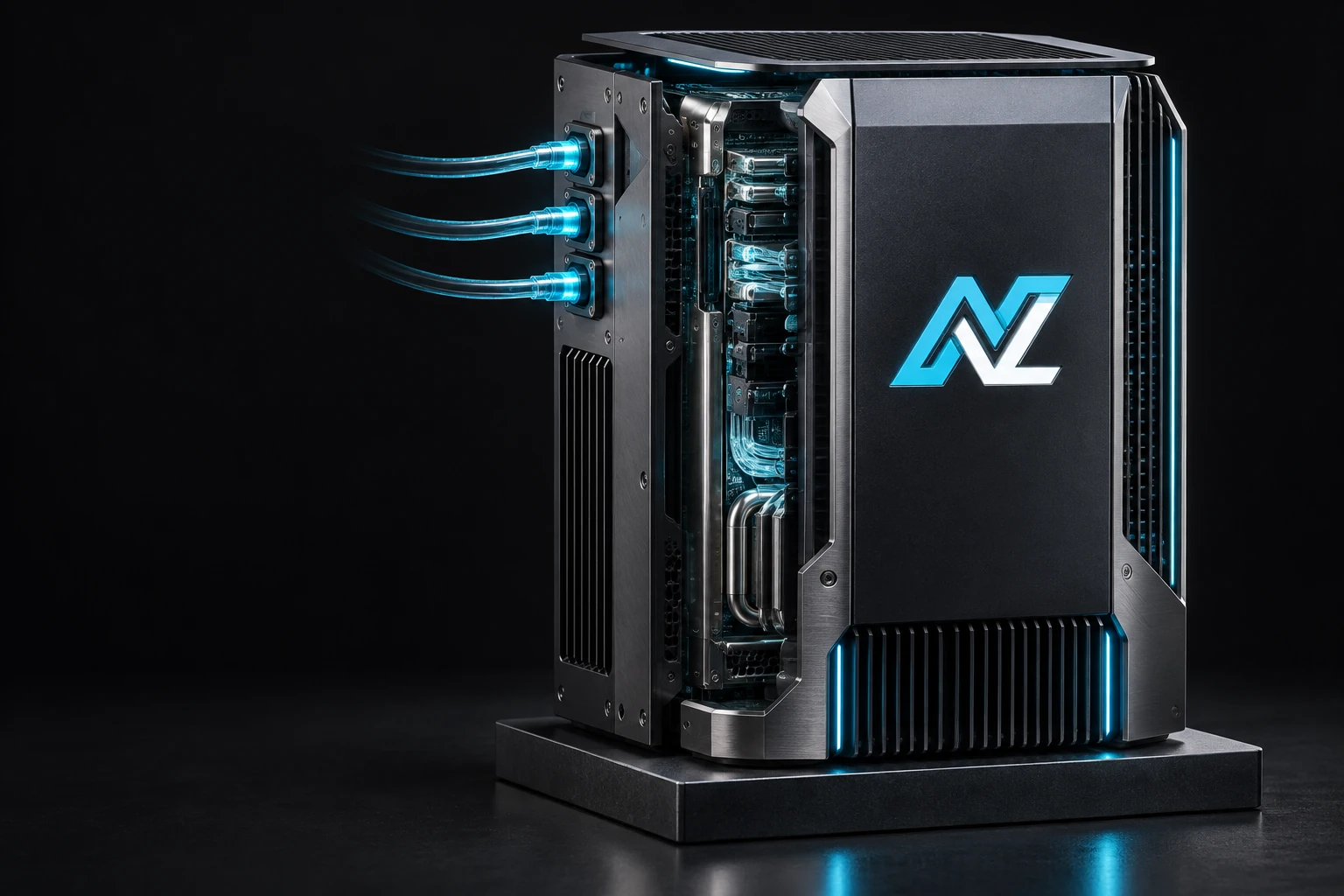
When prompts, context and outputs must remain on premises, NexLink can place a local model in the same controlled environment. Our Private AI approach keeps inference local. A fully offline design also removes external telemetry, hosted fonts, cloud authentication, remote licence checks, content-delivery networks and internet-dependent monitoring. Local inference alone is not enough if another dependency still calls home.
The same application. A choice of where AI runs.
Source access and the intelligence application remain separate from the model.
 OpenAI
 Claude
 Gemini
 DeepSeek
 Qwen
QwenCloud
Use a model hosted by an external provider.
Cloud provider examples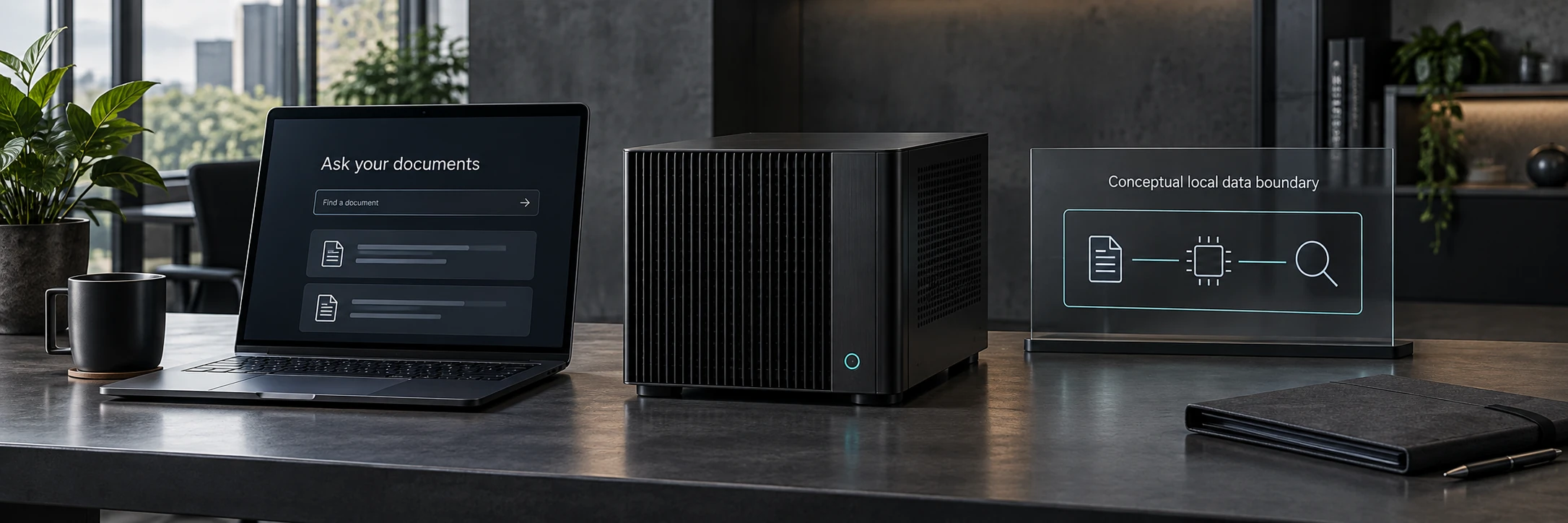
Private AI
Run a locally deployable model in your own environment.
On-site or dedicated hostingWhat changes between cloud and private
Read-only source access, an analytics copy, business definitions and role-based query controls.
Cloud inference
An external provider processes the selected context and query results.
The production database remains isolated. Model requests send that context outside your environment.
Private AI
A model inside your environment processes the prompts, context and results.
Inference stays local. Fully offline operation requires every dependency to be local too.
Your production system remains isolated. You choose where the intelligence runs.
Cloud inference can offer model breadth and low infrastructure overhead. Private AI gives the client a tighter residency boundary and can support offline operation. The application and security controls should work with either choice.

Use deterministic dashboards for recurring decisions
Not every screen needs a model. Sales trends, aged receivables, inventory movement and other recurring metrics are better served by predefined queries and charts. They load quickly, produce the same answer for the same filters and do not consume model tokens.
The model becomes valuable when a person asks an irregular question, requests an explanation or wants several signals interpreted together. For example: “Which products slowed down this quarter and which customers were most affected?” The application can run controlled queries, return a bounded result and ask the model to explain what changed.
This separation also makes cost and performance predictable. The dashboard remains available if the model service is unavailable, and the AI layer can be evaluated against known questions without turning every page load into an inference request.
Reconciliation is a release gate
A technically successful data sync proves that rows moved. It does not prove that the new view matches the source application's business report. Before a view reaches a dashboard or an AI tool, its totals should be compared with figures from the system users already trust.
That comparison needs to cover the difficult edges: cancelled documents, returns, credit notes, tax treatment, date cut-offs, opening balances, unallocated payments and product units. Any view that does not reconcile stays out of the application until the difference is understood.
NexLink uses this pattern in its AutoCount intelligence implementation with read-only source access, an isolated PostgreSQL analytics copy, controlled semantic views, deterministic dashboards and a guarded AI query path. You can read the implementation in our intelligent AutoCount dashboard guide. We adapt the reusable architecture to each client's data structure and reconcile every business view against the reports their team trusts.
Where this pattern fits
| System situation | Useful first outcome | Access to verify |
|---|---|---|
| Accounting or ERP system | Sales, margin, ageing and stock dashboards | Authorised API, reporting view or read-only database account |
| Legacy CRM | Pipeline, follow-up and customer-history insights | API permissions, export format or reporting replica |
| Custom operational database | Exception detection, trends and management reporting | Schema ownership, read load and data-quality constraints |
| Files and departmental tools | Search, document extraction and consolidated reporting | File permissions, version control and approved data classes |
The first assessment confirms the client's edition, supported access method, database semantics, data volume and security requirements. NexLink then applies the reusable synchronisation, analytics, security and AI foundations, which shortens the route from assessment to a working application.
Questions to ask before approving an AI integration
- Can the source account write anything, or is the restriction enforced by the source system?
- Which fields are copied, and which sensitive fields are intentionally excluded?
- How does each business view reconcile with an existing trusted report?
- What happens when synchronisation fails or data becomes stale?
- Can the model query raw tables, or only approved semantic views?
- Are query limits, timeouts, user permissions and audit logs enforced by the application?
- Does any approved context leave the client environment, and under what policy?
- If the system is called offline, have all external dependencies been removed?
Start with the system you already have
Tell us what your team wants to see, ask or automate. We will map the data path, security boundary and quickest responsible proof of concept.
This guide describes a security architecture and working lab implementation. It does not identify a client or publish client data. Exact controls depend on the source system, deployment environment and approved data policy.